
What Does a Landscaping Web Design Mean?
Most landscaping websites look fine. Very few of them actually sell. That gap is what this article is about.

Landscaping web design means building your website as a working sales system, not a digital business card. It covers the look (curb appeal for the screen), the structure (pages built to rank in local search), and the mechanics (estimators, booking, reviews, and lead capture) that turn a visitor into a booked estimate. In our experience, the landscapers who win consistently online treat their site as their best salesperson, one that works nights, weekends, and every rainy day.
Let’s break down what that actually looks like in 2026, feature by feature.
Why Is Web Design Different for Landscaping Than Other Industries?
Because your product is visual, local, and seasonal, all at once. A homeowner judges your work in seconds by how your site looks, then decides whether to call based on how easy you made it. That combination changes the whole design brief.
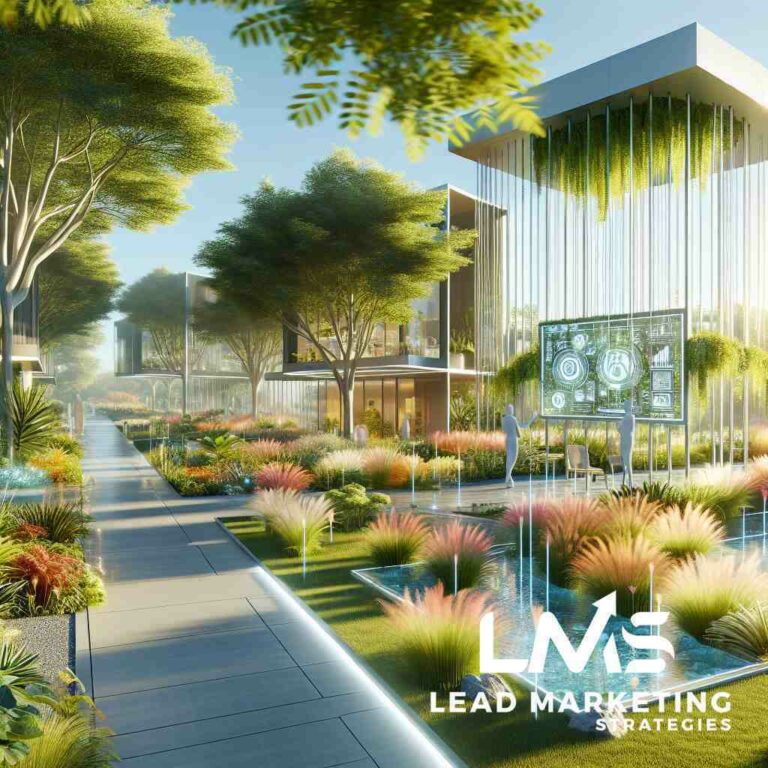
Think of it as digital curb appeal. When a property is well maintained, people trust the owner before they ever meet them. Your website does the same job. Clean layout, sharp project photos, clear service areas, obvious next step. Sloppy design reads as sloppy work, whether that’s fair or not.
Three things separate a landscaping site from, say, an accountant’s site:
- Heavy visuals. You need project galleries, drone footage, before-and-afters. That’s a real page speed problem if it isn’t handled well.
- Seasonal demand. What sells in April is not what sells in November. Your site should shift with the calendar.
- Local intent. Nearly every search carries a city or suburb attached to it. Your design has to be built around geography, not just services.
What Features Does a Good Landscaping Website Need?
A good landscaping website needs four things working together: fast mobile performance, a clear split between residential and commercial paths, proof of work that loads quickly, and a low-friction way to request an estimate. Miss any one of those and the others lose value.
1. Mobile-first design built for the field
Most local landscaping searches happen on a phone. Someone spots your crew from the driveway and looks you up. Someone else searches on a lunch break. If your site takes four seconds to load on a phone, they’re gone before your logo even appears.
Target under 1.5 seconds. That means compressed images, a lightweight theme, and no bloated plugins. Test it on a real phone on cellular data, not just your desktop browser.
2. A residential and commercial split
Homeowners and property managers want completely different things. A homeowner wants to see beautiful patios, know you’ll show up, and get a rough price. A property manager wants to know you carry insurance, that you can handle multiple sites, and that you’ll sign a contract.
Design your homepage so both paths are obvious within the first screen. Two clear buttons: “Residential” and “Commercial.” Each leads to a page written for that buyer. Trying to serve both audiences with one generic page usually serves neither.
3. Fast, real project photography
Stock photos of lawns you never touched fool nobody, and they hurt trust. Use your own work. The trick is doing it without wrecking load times.
- Convert images to WebP or AVIF formats, which cut file size dramatically with no visible quality loss.
- Compress 4K drone footage before uploading, or host video on a platform that streams it rather than embedding a heavy file.
- Use lazy loading so images below the fold only load when scrolled to.
- Build interactive before-and-after sliders. They demonstrate proof of work far better than a static grid.
4. A clear path to an estimate
Every page should answer one question: what do I do next? A sticky “Get a Free Estimate” button, a short form (name, phone, address, service), and a visible phone number. Keep the form to four fields or fewer. Every extra field costs you leads.
How Do I Get More Landscaping Leads From My Website?
You get more leads by removing friction and adding reasons to act now. That means instant rough pricing, seasonal offers, and booking that connects straight to your calendar.
Add rough price estimators
Price is the number one unspoken question. A “Paver Patio Cost Calculator” or a rough range for weekly mowing satisfies that curiosity immediately and captures the lead while they’re still interested. You don’t need exact numbers. Ranges by square footage and material type do the job.
This also filters out tire-kickers. Someone shopping a $2,000 budget for a $20,000 project self-selects out before they ever call you. That’s a good thing.
Make the site seasonal
Smart widgets that shift with the calendar keep the site relevant all year. Spring highlights lawn care, aeration, and cleanup. Fall shifts to leaf removal and hardscaping. Winter promotes commercial snow plowing. Same site, different front door, all year long.
Connect booking to your real calendar
Direct integrations with tools like Jobber, LMN, or Housecall Pro let a prospect book a consultation straight into your schedule. No phone tag. No lead sitting in an inbox until Friday. The faster you respond to a landscaping lead, the better your close rate, and booking software removes the delay entirely.
Show reviews from the right neighborhood
Pull reviews dynamically from your Google Business Profile and display ones relevant to the searcher’s area. A homeowner in one suburb trusts a review from a neighbor more than a testimonial from three towns over. Reputation and design work together here, and our reputation management service is built around that idea.
Should I Put Prices on My Landscaping Website?
Yes, but as ranges, not fixed quotes. Rough starting prices and calculators build trust and pre-qualify leads. Exact prices invite price shopping and lock you into numbers that don’t fit every property.
Here’s how we usually frame it with clients: publish “starting at” figures for standard services like mowing or cleanup, and use calculators for project work like patios and retaining walls. You give the searcher enough to feel informed without giving away your margin.
How Much Should a Landscaping Business Spend on a Website?
Plan on a meaningful one-time build plus ongoing maintenance. A custom, conversion-focused site typically runs several thousand dollars, and monthly hosting, security, and updates add a smaller recurring cost. Anything dramatically cheaper is usually a template that will struggle to rank or convert.
Think of it as a marketing asset, not an expense. If the site brings in even one or two mid-size projects a year, it pays for itself many times over. In our experience, the landscapers who underinvest here end up paying for it in lost leads month after month.
How Does Web Design Connect to Local SEO?
Design and search are the same project. A beautiful site nobody finds is a brochure in a drawer. Your site structure, page titles, service area pages, and load speed all feed directly into how you rank in local search.
Build a dedicated page for each core service and each town you serve. Link them cleanly. Keep your name, address, and phone number consistent everywhere. Add schema markup so search engines understand what you do and where. This is the foundation of any serious landscaping marketing plan, and it starts with the site itself.
Once the site is solid, the traffic you drive to it gets more valuable. Paid campaigns, social posts, and email all land on pages that are built to convert rather than pages that just exist. If you want the full picture of how these pieces fit together, our guide to landscaping marketing strategies walks through it step by step.
What Design Mistakes Cost Landscapers the Most Leads?
The expensive mistakes are almost always about friction, not aesthetics. A gorgeous site that’s hard to use still loses.
- Slow mobile load times. Uncompressed photos are the usual culprit.
- Hidden phone numbers. It should be tappable and visible on every screen.
- Long forms. Seven fields where four would do.
- No clear service area. If a visitor can’t tell in five seconds whether you work in their town, they leave.
- Generic stock imagery. It signals that you don’t have real work to show.
- No reviews on the page. Social proof belongs next to your call to action, not buried on a separate page.
We often see sites that check every box visually and fail every box functionally. Fixing friction usually moves the needle faster than a full redesign.
How Often Should a Landscaping Website Be Updated?
Review the site at least twice a year, and refresh seasonal content each quarter. Add new project photos as you complete work. Check load speed, test the forms, and confirm every phone number and link still works. A site that never changes slowly stops performing.
Small, steady updates beat one big rebuild every five years. Search engines reward fresh, maintained sites, and so do visitors.
Frequently Asked Questions About Landscaping Web Design
What is landscaping web design in plain terms?
It’s the planning, building, and maintaining of a website designed specifically to attract local landscaping customers and turn them into booked estimates. It combines visual design, page speed, local search optimization, and lead capture tools.
Do I need a separate page for every service I offer?
Yes, for your core services. A dedicated page for hardscaping, lawn care, irrigation, and snow removal gives each one a chance to rank on its own and gives visitors a clear place to land. Group minor add-ons under a main service page.
Can my website book estimates automatically?
It can, with the right integration. Connecting your site to scheduling software lets prospects pick a time that lands directly on your calendar. That shortens response time and reduces the back-and-forth that loses leads.
How important are reviews on my website?
Very. Reviews displayed near your call to action build trust at the exact moment someone decides whether to reach out. Pull them from your Google Business Profile so they stay current without manual updates.
What should I do first if my current site gets no leads?
Check mobile load speed and your estimate form first. Those two fixes resolve a large share of lead problems. From there, add real project photos, rough pricing, and reviews. If the foundation is weak, a rebuild may be the smarter move.
Ready to Turn Your Website Into a Lead Machine?
If your site looks good but doesn’t bring in the calls you need, our team can help. We build landscaping websites that load fast, rank locally, and turn visitors into booked estimates. You can book a free consultation and we’ll walk through your current site together. Prefer to talk now? Call us at (833) 532-3100.
And if you want to keep up with your leads and marketing from the field, download our mobile app: iOS or Android.

The Landscaping Marketing Strategies Team
Our team of marketing experts specializes in helping landscapers grow their businesses through strategic digital marketing, SEO, and customer acquisition.
View all articles